
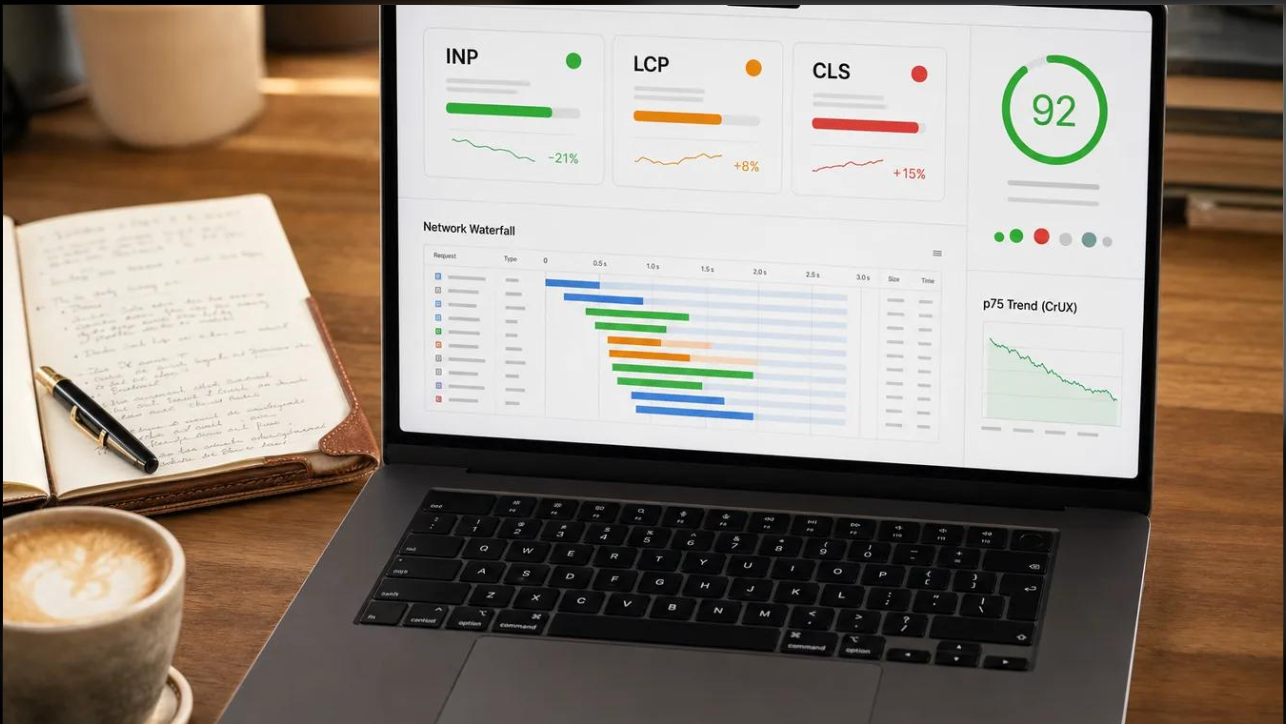
In today's competitive digital environment, having a website is not enough to attract and retain visitors. Businesses must ensure that their websites load quickly, respond smoothly, and provide a seamless browsing experience. This is where Core Web Vitals and SEO become important.
Google considers website experience among the factors that influence how pages perform in search results. A website that loads slowly, responds poorly to user interactions, or frequently changes its layout can frustrate visitors and affect engagement.
Core Web Vitals help website owners understand how users experience their websites in real-world conditions. By improving these performance measurements, businesses can create better digital experiences while strengthening their overall SEO strategy.
Let's explore what Core Web Vitals are, why they matter, and how businesses can optimize their websites for better search visibility.
What Are Core Web Vitals?
Core Web Vitals are a set of performance measurements introduced by Google to evaluate important aspects of user experience on a website.
These metrics focus on three major areas:
-
Loading performance: How quickly the main content appears on the screen.
-
Interactivity: How quickly a website responds when visitors interact with it.
-
Visual stability: How stable the page layout remains while loading.
Google currently uses three primary Core Web Vitals metrics: Largest Contentful Paint (LCP), Interaction to Next Paint (INP), and Cumulative Layout Shift (CLS).
They help website owners identify performance problems that may affect visitors and improve the overall browsing experience.
Understanding the Three Core Web Vitals Metrics
1. Largest Contentful Paint (LCP)
Largest Contentful Paint measures how long it takes for the largest visible content element on a webpage to load.
This element could be a large image, video poster, or prominent block of text. LCP helps determine whether visitors can quickly see the main content of a webpage.
A slow-loading website can make visitors leave before they explore its products, services, or information.
Google's recommended LCP thresholds:
-
Good: 2.5 seconds or less.
-
Needs improvement: More than 2.5 seconds up to 4 seconds.
-
Poor: More than 4 seconds.
How to improve LCP:
-
Optimize large images using modern formats such as WebP or AVIF.
-
Improve server response time.
-
Use a content delivery network (CDN).
-
Reduce unnecessary JavaScript and CSS.
-
Enable browser caching.
-
Prioritize loading important above-the-fold content.
Improving LCP allows visitors to access important website content faster, creating a better first impression.
2. Interaction to Next Paint (INP)
Interaction to Next Paint measures how quickly a webpage responds visually after a user interacts with it.
For example, when someone clicks a button, opens a navigation menu, submits a form, or selects a product option, the website should respond without noticeable delays.
A website with poor responsiveness can create frustration and reduce user confidence.
Google's recommended INP thresholds:
-
Good: 200 milliseconds or less.
-
Needs improvement: More than 200 milliseconds up to 500 milliseconds.
-
Poor: More than 500 milliseconds.
How to improve INP:
-
Reduce excessive JavaScript execution.
-
Break up long-running browser tasks.
-
Optimize event handlers.
-
Remove unnecessary third-party scripts.
-
Improve the efficiency of interactive website elements.
-
Avoid overloading pages with unnecessary plugins.
Better INP performance creates smoother interactions and makes websites easier to use.
3. Cumulative Layout Shift (CLS)
Cumulative Layout Shift measures unexpected changes in webpage layout during loading.
Imagine visiting an online store and trying to click the purchase button. Suddenly, an advertisement or image loads above it, moving the button to another position. This creates a frustrating experience.
CLS measures these unexpected layout movements.
Google's recommended CLS thresholds:
-
Good: 0.1 or less.
-
Needs improvement: More than 0.1 up to 0.25.
-
Poor: More than 0.25.
How to improve CLS:
-
Specify image and video dimensions.
-
Reserve space for advertisements and embedded content.
-
Avoid inserting new content above existing content unexpectedly.
-
Use properly sized fonts.
-
Ensure that website elements maintain consistent dimensions.
A visually stable website makes navigation easier and reduces accidental clicks.
How Core Web Vitals and SEO Are Connected
Core Web Vitals and SEO are connected through Google's broader approach to evaluating page experience.
Google aims to provide users with relevant, helpful, and reliable search results. Content relevance remains essential, but website performance also contributes to the overall search experience.
Here are some important ways website experience and SEO work together.
1. Better Page Experience
Visitors expect websites to load quickly and function properly across different devices. A slow or unstable website can create a negative experience.
Optimizing Core Web Vitals helps businesses provide a smoother browsing experience, making it easier for users to access information.
2. Improved Mobile Experience
A significant portion of website traffic comes from mobile devices. Mobile visitors often browse through different network conditions and screen sizes.
Websites that are not optimized for mobile performance may experience slow loading, delayed interactions, and layout problems.
Improving Core Web Vitals helps businesses create more consistent experiences across smartphones, tablets, and desktops.
3. Stronger Website Usability
A website should make it easy for visitors to find information, explore services, and complete actions.
Fast loading times, responsive buttons, and stable layouts contribute to better usability.
For businesses, this can support important activities such as product discovery, lead generation, enquiries, and online purchases.
4. Support for Search Visibility
Core Web Vitals are part of Google's page experience considerations and can contribute to search performance.
However, they are not a guarantee of higher rankings. Google uses several ranking systems and signals, including content relevance, quality, usefulness, and other technical considerations.
A website should therefore focus on both high-quality content and strong technical performance rather than treating Core Web Vitals as a shortcut to better rankings.
How to Check Your Website's Core Web Vitals
Website owners can use several free Google tools to monitor and evaluate their website performance.
1. Google PageSpeed Insights
Analyzes webpage performance on mobile and desktop devices and provides suggestions for improvement.
2. Google Search Console
Provides Core Web Vitals reports based on real-world user experience data and identifies URLs that need attention.
3. Google Lighthouse
Helps developers audit website performance, accessibility, SEO, and other quality indicators.
These tools help identify performance issues and provide actionable recommendations for improving website quality.
Best Practices for Improving Core Web Vitals
Improving website performance requires continuous monitoring and technical optimization. Businesses should consider the following practices:
1. Optimize Website Images
Large image files can significantly increase page loading time. Compress images without sacrificing quality and use modern image formats such as WebP and AVIF.
2. Choose Reliable Web Hosting
A reliable hosting provider can improve server response times and website availability. Businesses should select hosting solutions that support their traffic requirements.
3. Minimize Unnecessary Scripts
Excessive JavaScript, third-party integrations, and unnecessary plugins can slow down website performance. Remove unused scripts and optimize the code wherever possible.
4. Implement Browser Caching
Browser caching allows frequently accessed website resources to be stored locally, reducing the need to download the same files repeatedly.
5. Optimize Mobile Responsiveness
Ensure that website layouts, images, navigation menus, and interactive elements work smoothly across different screen sizes.
6. Monitor Performance Regularly
Website performance can change whenever new plugins, scripts, images, or design elements are introduced. Regular testing helps identify problems before they negatively affect the user experience.
Common Core Web Vitals Mistakes Businesses Should Avoid
Many businesses invest in website design and SEO but overlook technical performance. Some common mistakes include:
-
Uploading large, uncompressed images.
-
Using too many third-party tracking scripts.
-
Ignoring mobile website performance.
-
Choosing low-quality hosting services.
-
Allowing advertisements to shift page layouts.
-
Installing unnecessary WordPress plugins.
-
Focusing only on desktop performance.
-
Ignoring performance reports after website updates.
Avoiding these mistakes can help businesses maintain a faster, more stable, and user-friendly website.
Core Web Vitals and SEO: Why Businesses Should Prioritize Both
For businesses, website performance is not just a technical concern. It directly influences how potential customers interact with their digital platforms.
Consider an online store with excellent products but slow-loading product pages. Visitors may struggle to explore the catalogue or complete purchases. Similarly, a service-based business with an unresponsive contact form may lose valuable enquiries.
By improving Core Web Vitals, businesses can create a better foundation for their digital marketing activities.
Combining technical SEO with relevant content, effective website navigation, mobile optimization, and clear calls to action can help create a more effective online presence.
The objective should not simply be to achieve perfect performance scores but to provide visitors with a reliable and satisfying browsing experience.
Conclusion
Core Web Vitals and SEO play an important role in building a successful website. Metrics such as Largest Contentful Paint, Interaction to Next Paint, and Cumulative Layout Shift help businesses understand how visitors experience their webpages.
Although good Core Web Vitals scores do not guarantee higher Google rankings, improving website speed, responsiveness, and visual stability supports a better page experience and a stronger technical SEO foundation.
Businesses should regularly monitor website performance, address technical issues, and prioritize user experience alongside content quality.
A successful SEO strategy is not just about attracting visitors to a website; it is also about providing an experience that encourages them to stay, explore, and take action.
Frequently Asked Questions (FAQs)
1. What are Core Web Vitals in SEO?
Core Web Vitals are Google's user experience metrics that measure loading performance, interactivity, and visual stability through LCP, INP, and CLS.
2. Do Core Web Vitals directly affect Google rankings?
Core Web Vitals are part of Google's page experience signals and can contribute to search rankings. However, good scores do not guarantee higher rankings, as content relevance and overall quality remain important.
3. What is a good Core Web Vitals score?
Google recommends an LCP of 2.5 seconds or less, an INP of 200 milliseconds or less, and a CLS score of 0.1 or less.
4. How can I check my website's Core Web Vitals?
You can use Google PageSpeed Insights and Google Search Console to evaluate website performance and identify areas requiring improvement.
5. Are Core Web Vitals important for mobile SEO?
Yes. Google evaluates page experience across mobile and desktop environments. Optimizing mobile performance helps provide a better browsing experience for smartphone users.
6. How often should website performance be checked?
Businesses should monitor performance regularly, particularly after major website redesigns, plugin installations, code changes, or content updates.